CALCULATE YOUR COST OF GOODS SOLD (COGS)

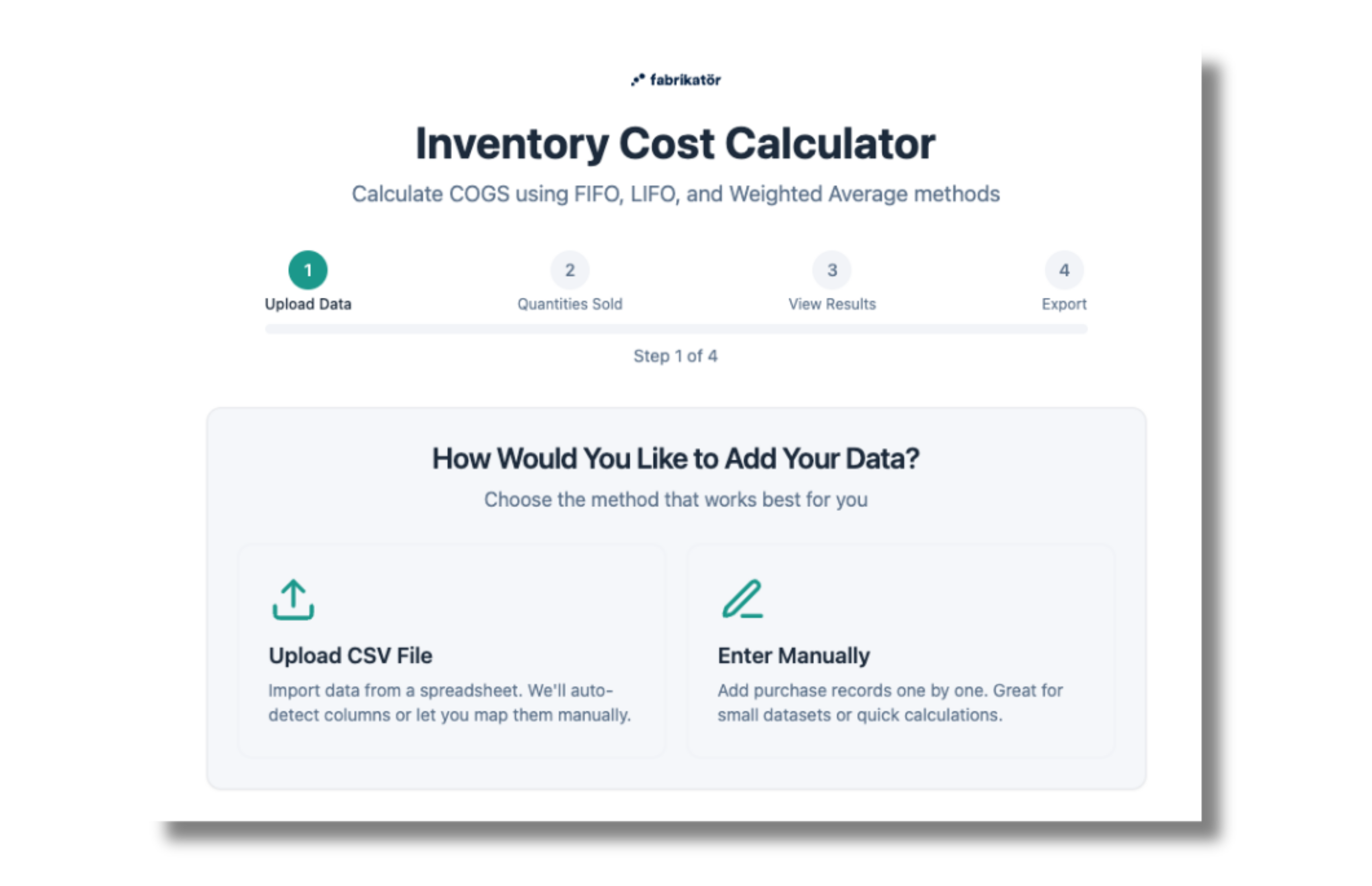
4 Simple Steps to Get Your Complete Report

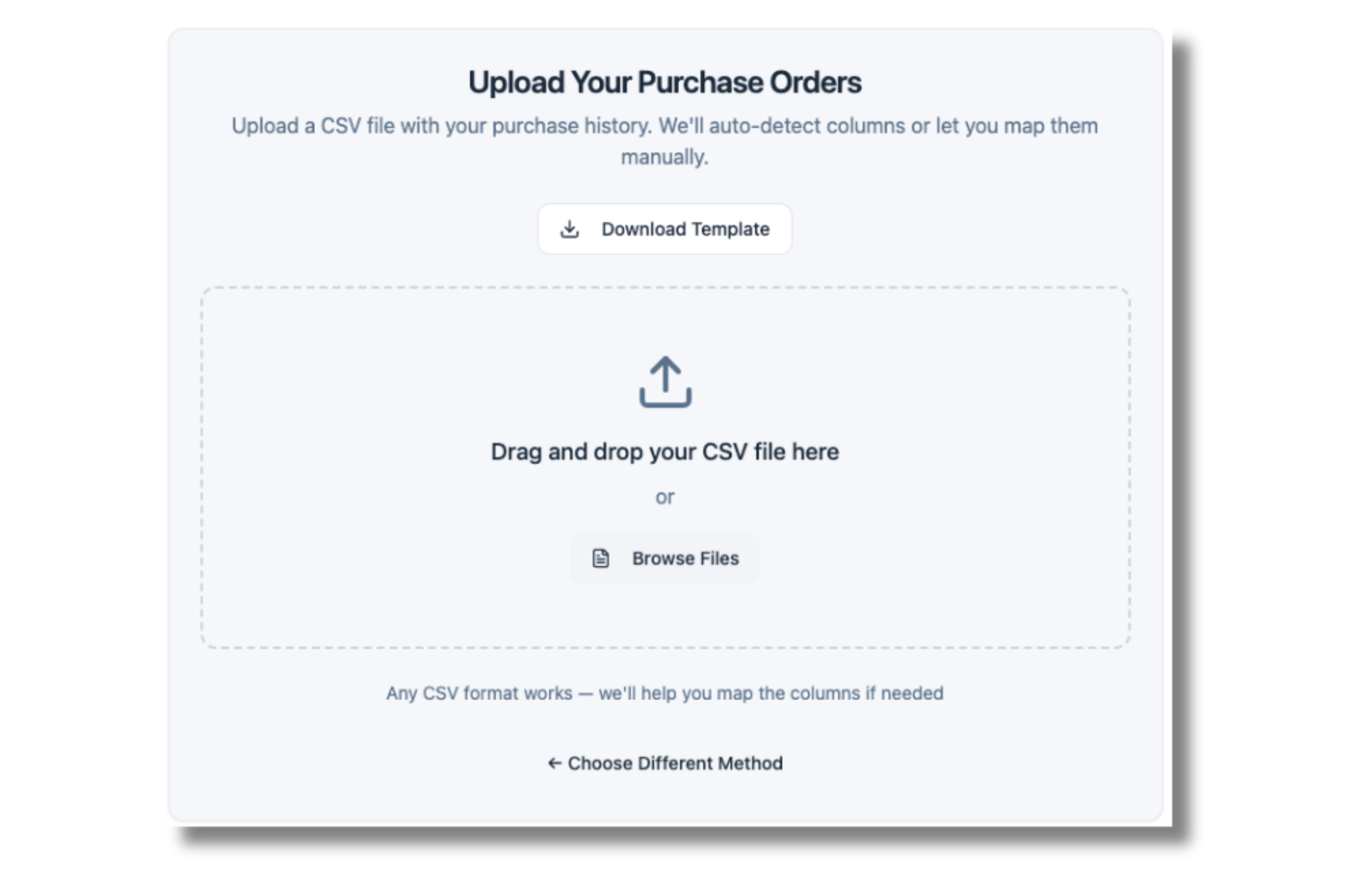
01. Upload Your Purchase Orders

Upload your purchase data

Drop in your CSV file with purchase order history. Our tool reads your order dates, SKUs, quantities, and unit costs — everything else is optional. Don't have a file ready? Download our free template.

RGB Icon

CSV Upload

Drag and drop your CSV files to enter months of purchasing data all at once.
Coins Icon

Your data stays in your browser

The application is purely client-side, meaning the inputs you share are not being sent to a server so you can use it with a peace of mind.
Use Free Calculator
Forecast Shopify App
Inventory Shopify App
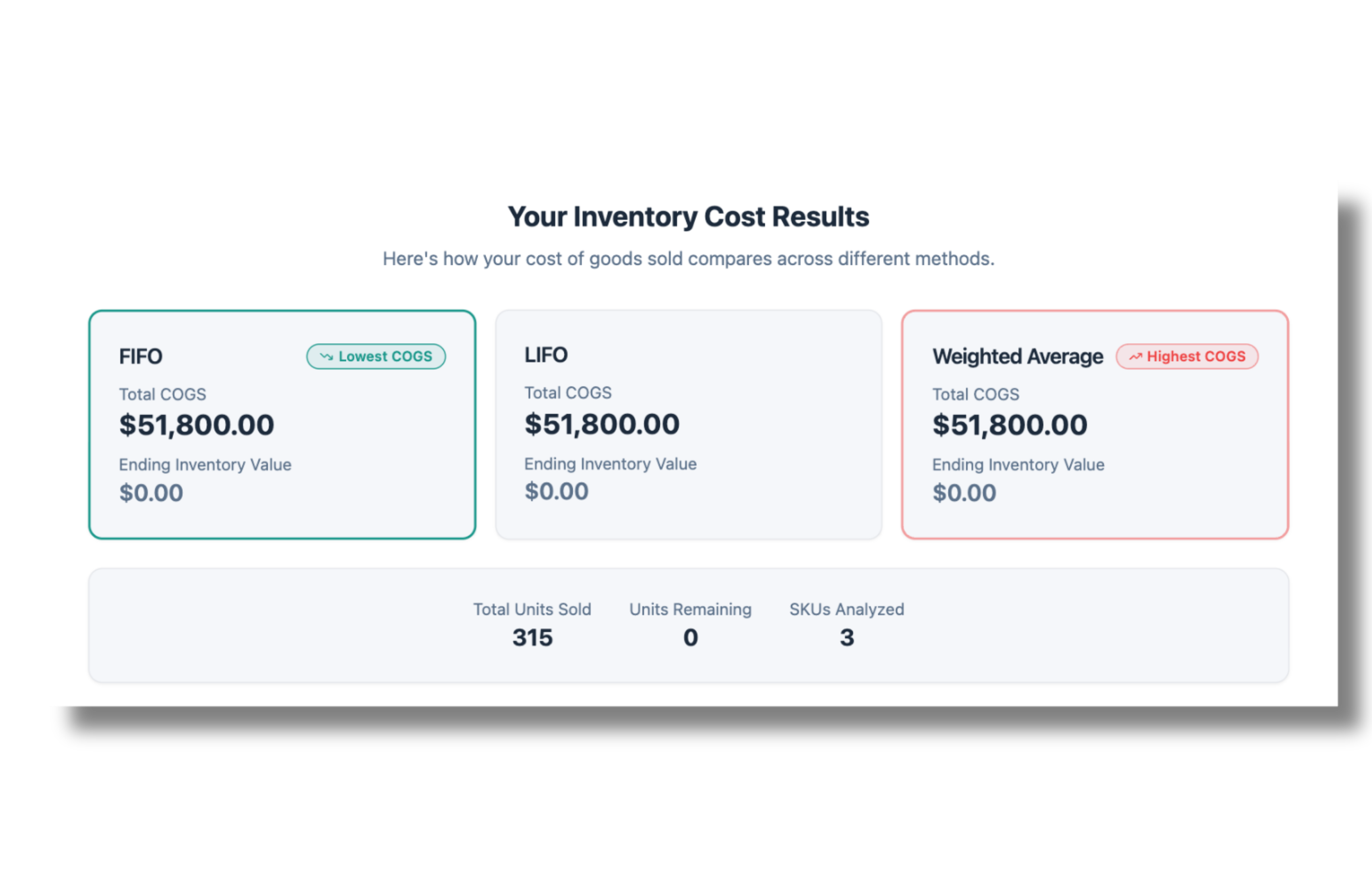
02. See FIFO, LIFO, and Weighted Average

Compare costing methods

Instantly calculate your Cost of Goods Sold under all three inventory costing methods. See which approach gives you the lowest COGS, highest ending inventory value, and how they impact your margins.

Are you using the right inventory costing method for your business?

USE FREE CALCULATOR
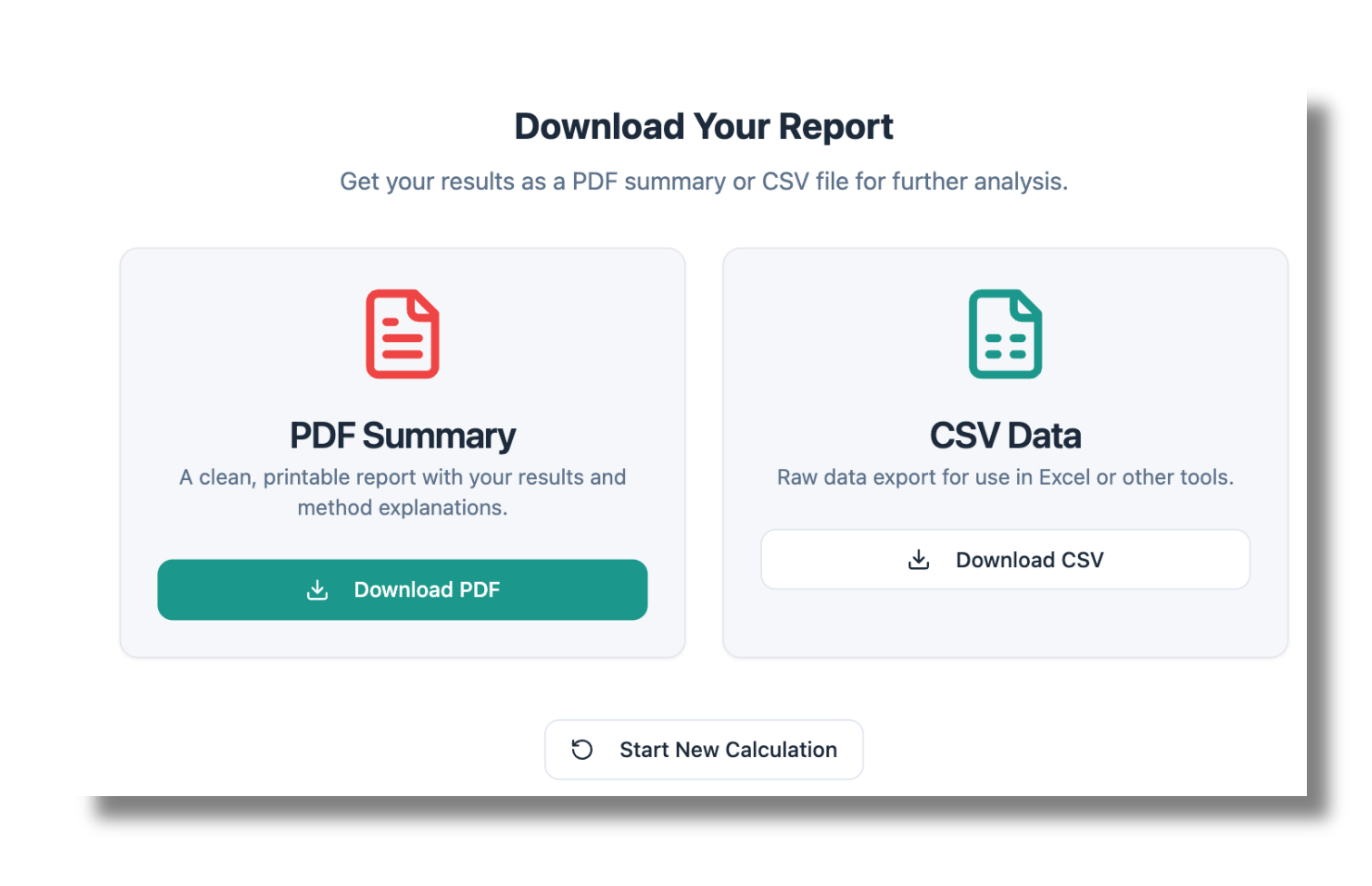
03. EXPORT YOUR RESULTS

Download your report ready to use!

Export your inventory cost analysis as a PDF summary or CSV file. Share it with your accountant, use it for tax planning, or keep it for your records — completely free, no signup required.
USE FREE CALCULATOR
Purchase Order Automation Shopify App

Do you want to better manage your costs?

Get a 30-minute free demo and see how Fabrikatör can improve your inventory operations.
GET a Demo
By clicking “Accept”, you agree to the storing of cookies on your device to enhance site navigation, analyze site usage, and assist in our marketing efforts. View our Privacy Policy for more information.