EXPORT YOUR SHOPIFY PURCHASE ORDERS

3 Simple Steps to Export Your POs

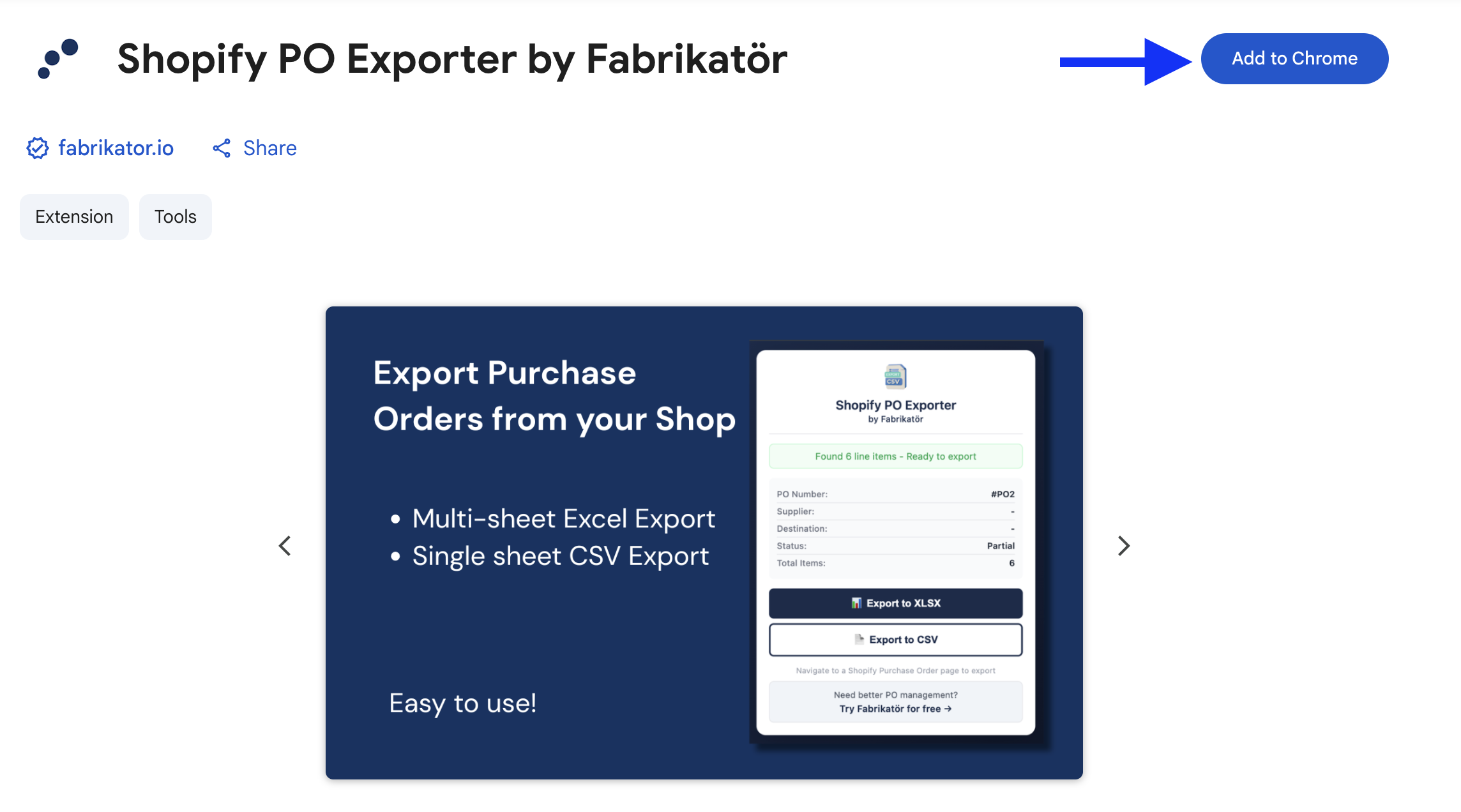
01. Install the Chrome Extension

Add to Chrome in one click

Head to the Chrome Web Store and click "Add to Chrome." The extension installs instantly — no account creation, no API keys, no configuration. It works with all Shopify plans that support Purchase Orders.

RGB Icon

One-Click Install

Add the extension from the Chrome Web Store in seconds. No configuration or Shopify account connection needed.
Coins Icon

Your data stays in your browser

All processing happens locally in your browser. Your Purchase Order data is never sent to any external server — no API connection, no cloud processing, no data storage.
Install Free Extension
Forecast Shopify App
Inventory Shopify App
02. Navigate to a Purchase Order

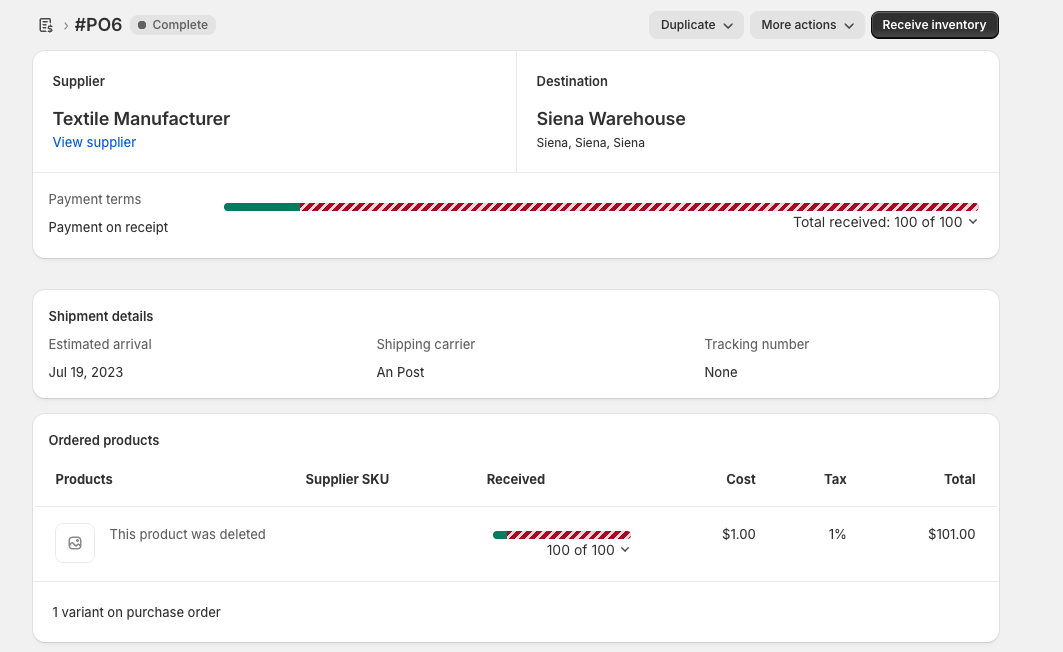
Open any PO in your Shopify Admin

Go to your Shopify Admin and open any Purchase Order detail page. The extension automatically detects the PO and extracts all the data — PO number, supplier, line items, quantities, costs, shipment details, and financial totals.

Tired of manually copying Purchase Order data out of Shopify?

INSTALL FREE EXTENSION
03. CHOOSE YOUR FORMAT & EXPORT

Download as XLSX or CSV instantly

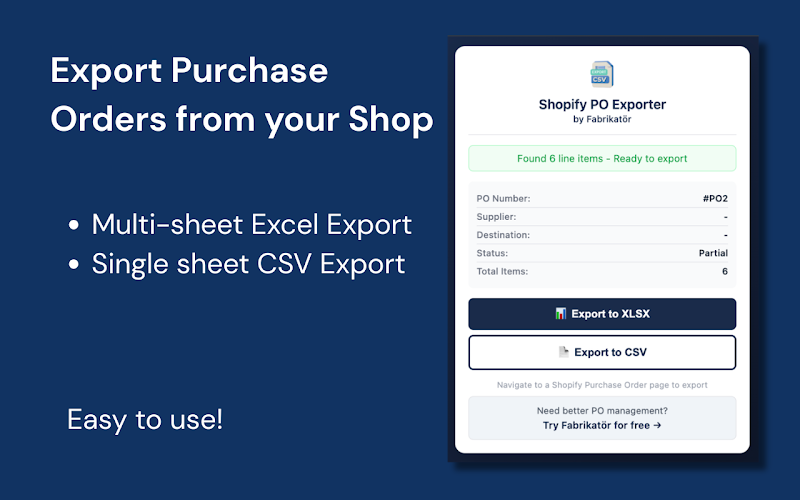
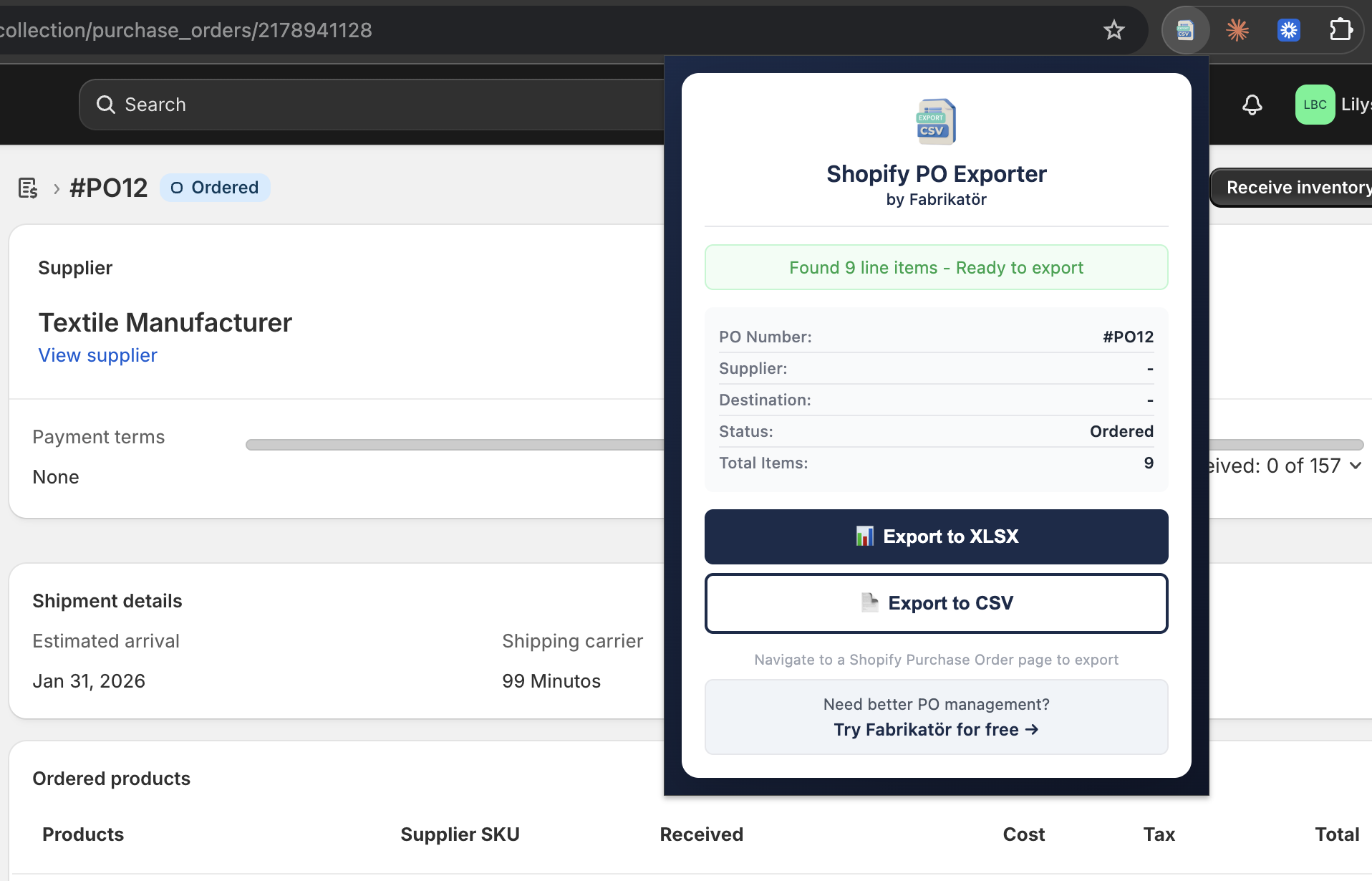
Click the extension icon, choose XLSX or CSV, and your file downloads immediately.
The XLSX export includes three sheets — Summary, Line Items, and a Receiving Report for warehouse coordination.

The CSV export is clean and structured, ready to import into any accounting system or ERP.
INSTALL FREE EXTENSION
Purchase Order Automation Shopify App

Want to automate your purchase orders?

Get a 30-minute free demo and see how Fabrikatör can automate PO creation, forecast demand, and streamline your inventory operations.
GET a Demo
By clicking “Accept”, you agree to the storing of cookies on your device to enhance site navigation, analyze site usage, and assist in our marketing efforts. View our Privacy Policy for more information.